Choosing what to watch shouldn't take longer than watching it.
Find what to watch by mood, time and the services you use — and keep your place in the shows you're watching.


Coming soon to Google Play
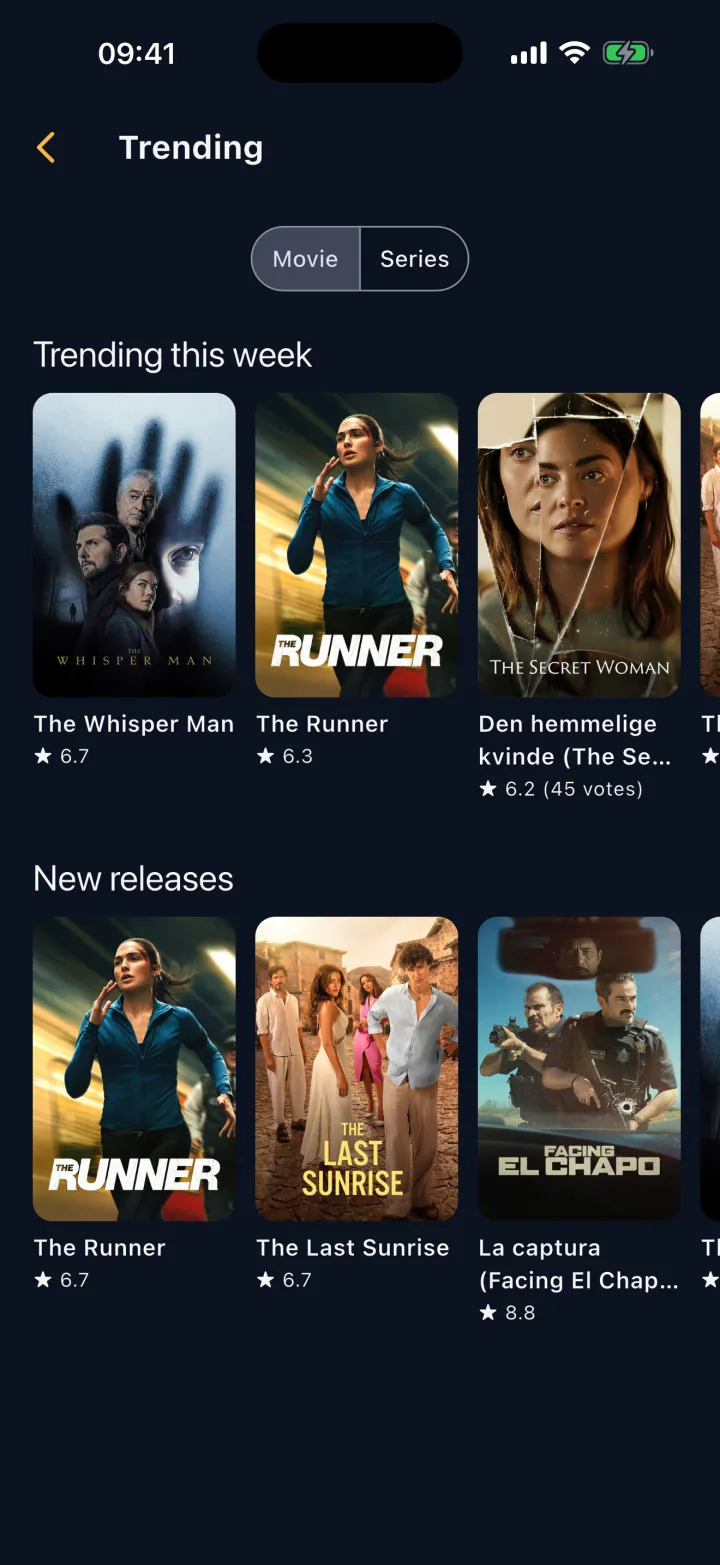
Discover
-
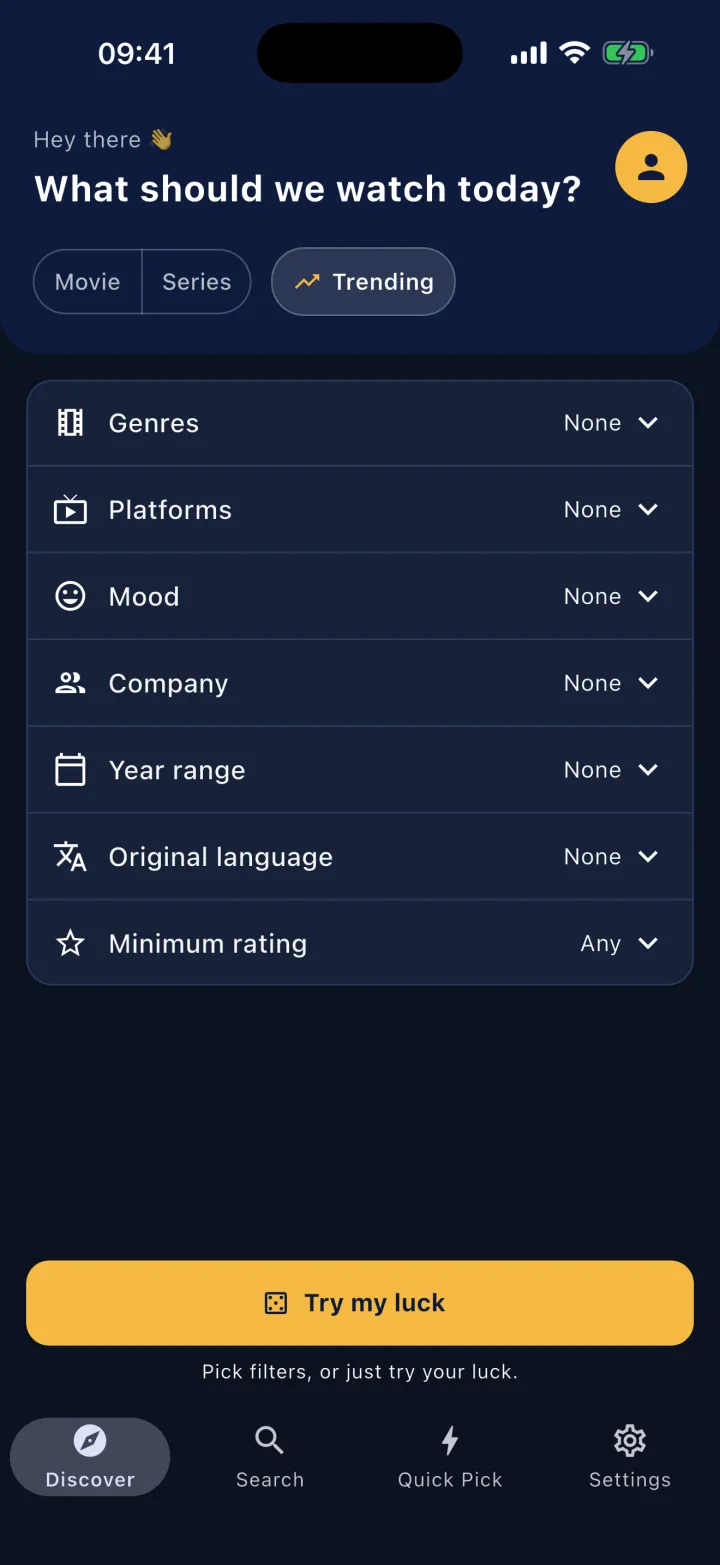
By mood
Laughter, thriller, something emotional? Pick what you're in the mood for and we'll do the rest.
-
By your time
Got two hours, or just one episode? Filter by length.
-
On your services
Pick the services you use and see only what's streaming on them.
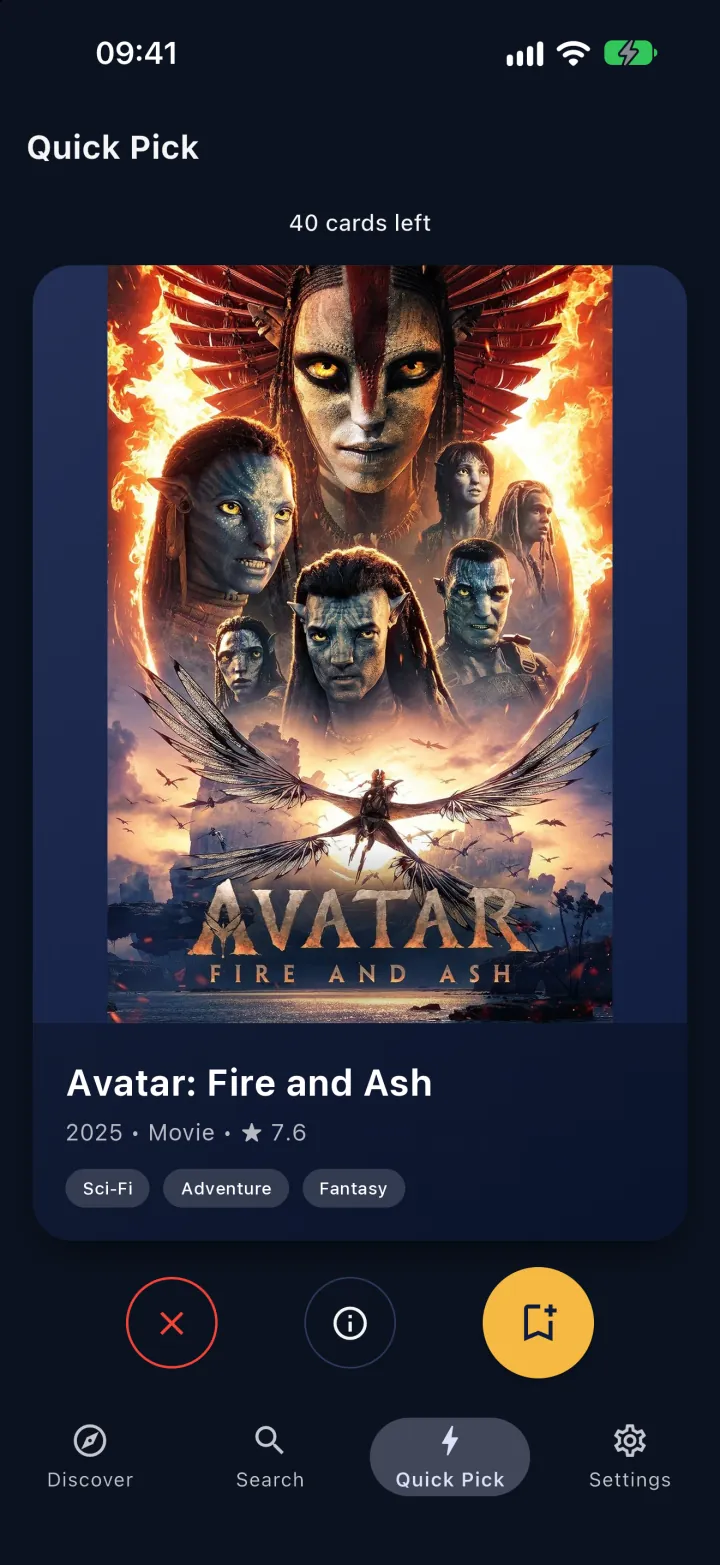
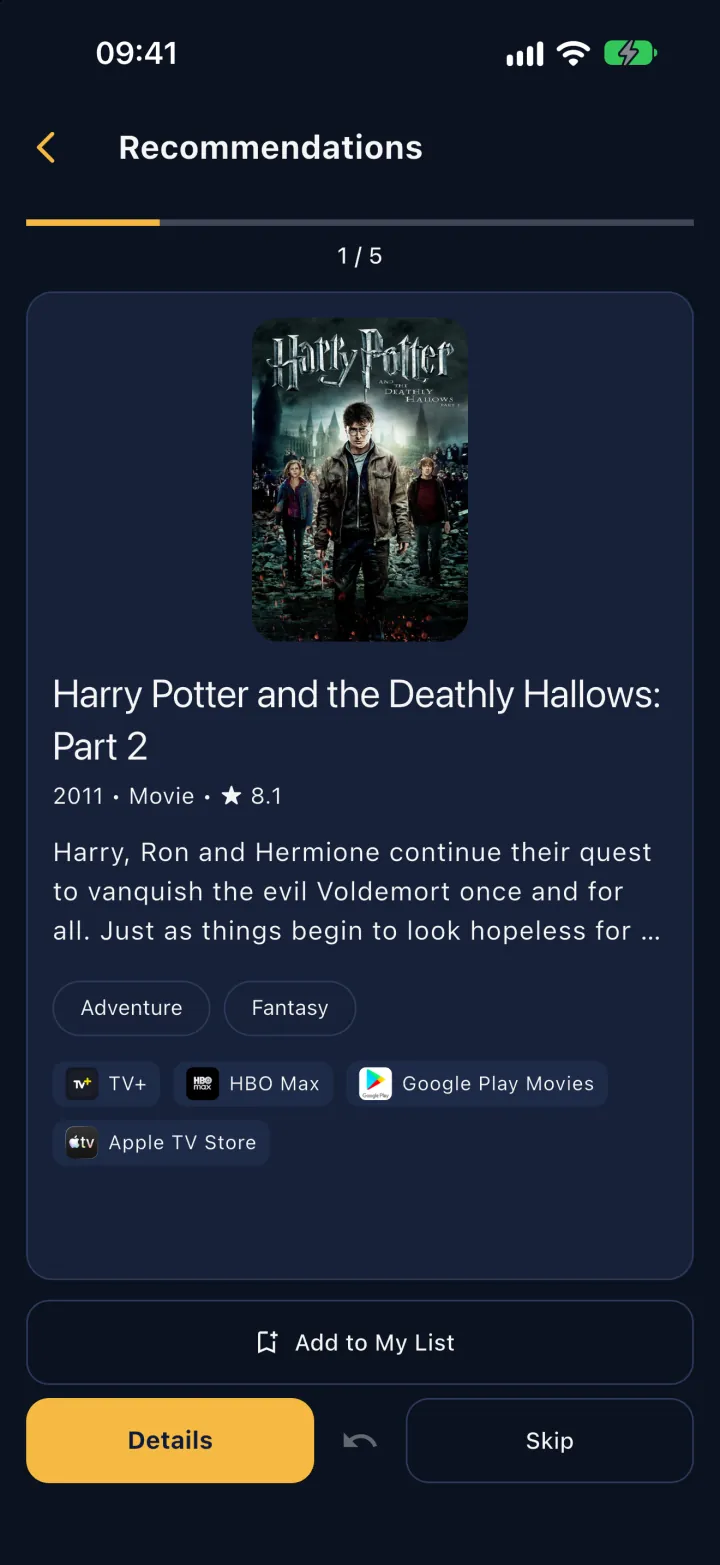
Quick Pick
Can't decide? Swipe left to pass, right to add to My List.
Use Discover, Search and Quick Pick as a guest; sign in with Apple or Google to save My List and series progress.
Series tracking
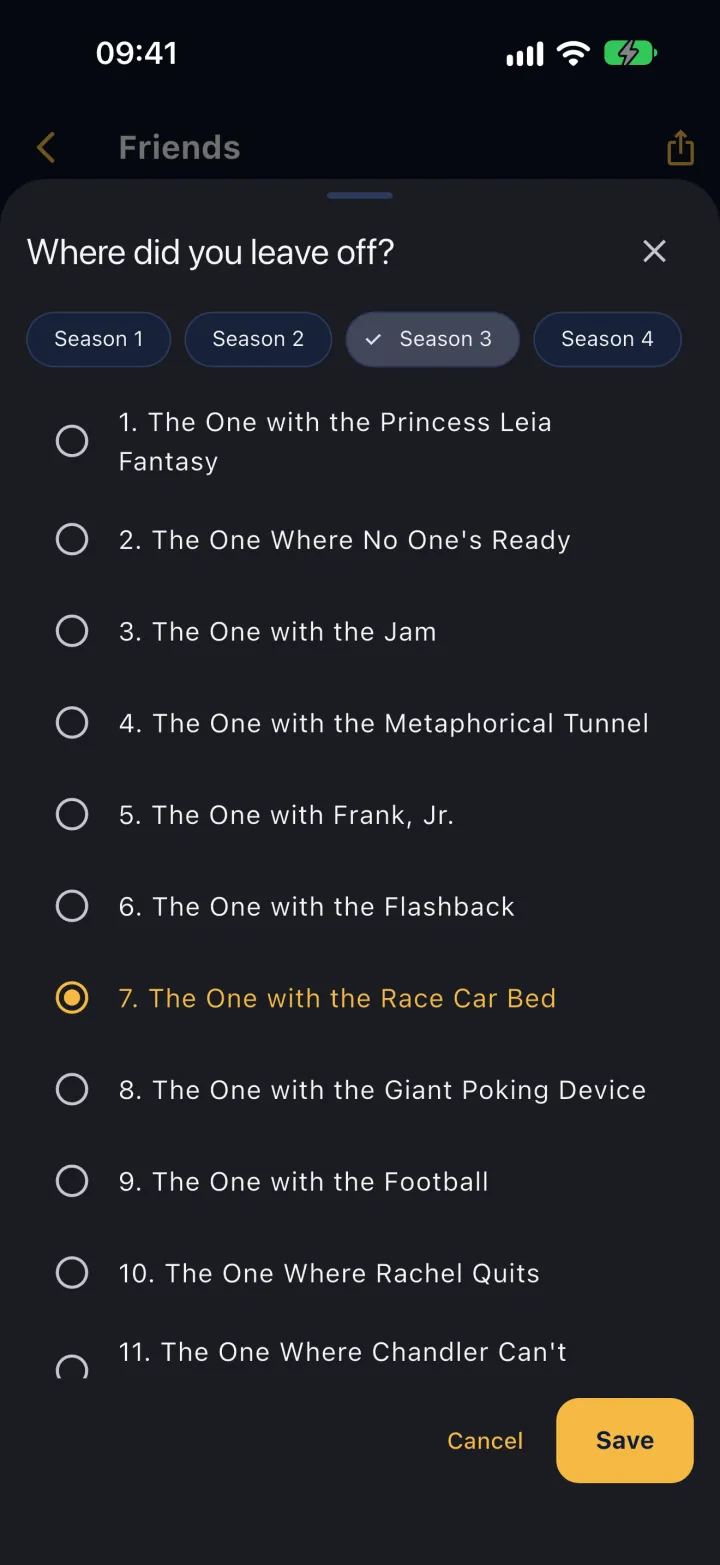
Keep your place
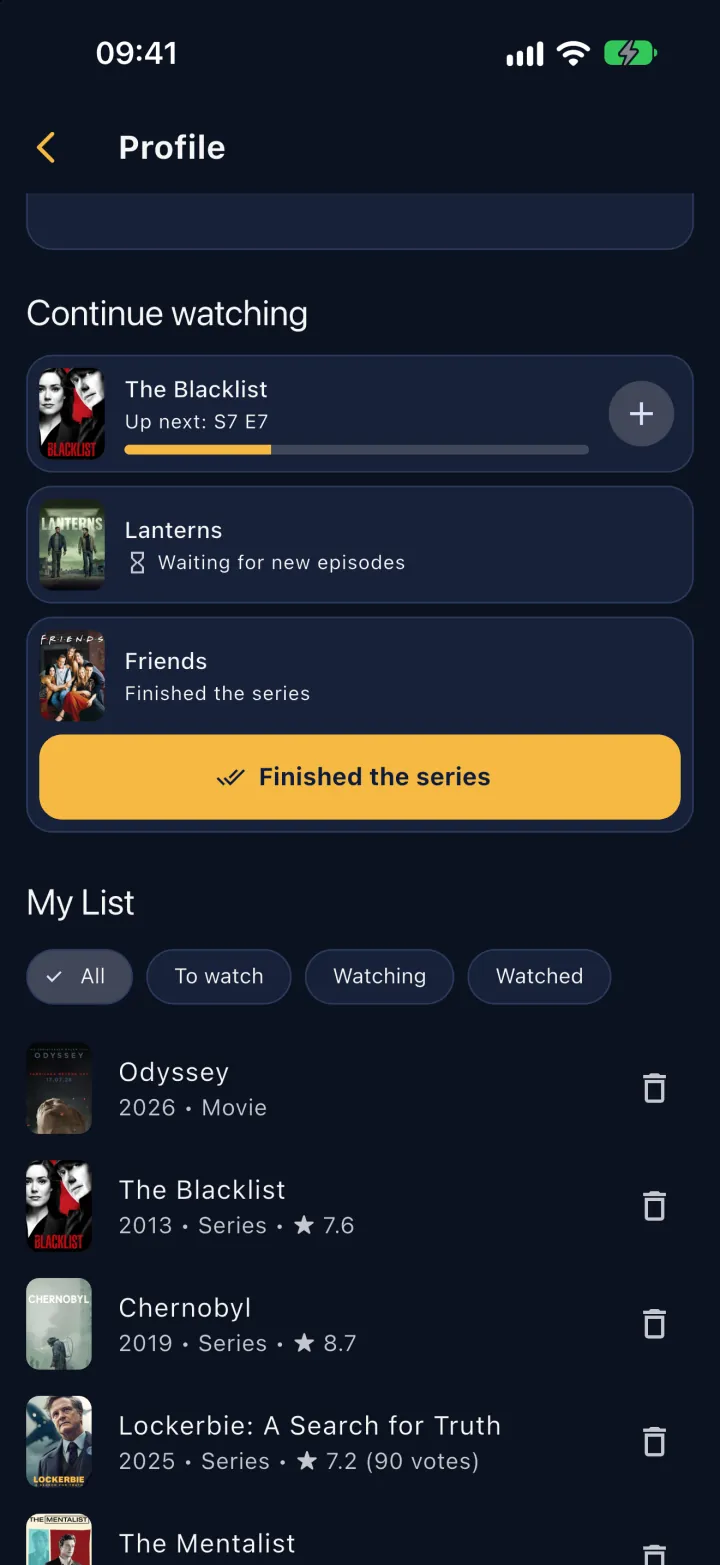
Mark the episode you watched with one tap, or pick the season and episode to save where you left off. Your next episode waits in Continue watching.
My List
Keep it all in one list, sorted into To watch, Watching and Watched.
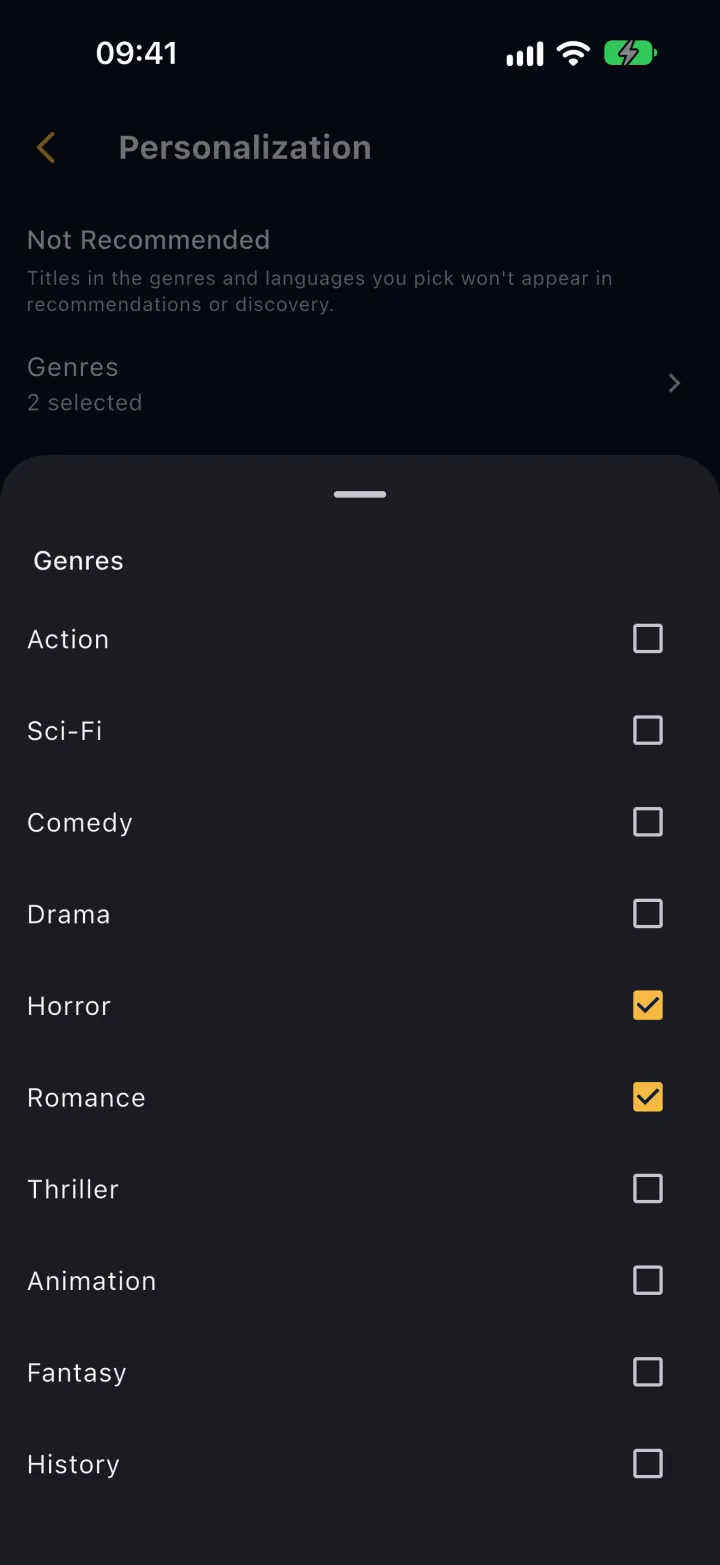
Not Recommended
Choose genres and languages to skip in Discover recommendations, Quick Pick and Trending.
Can't find where to watch it?
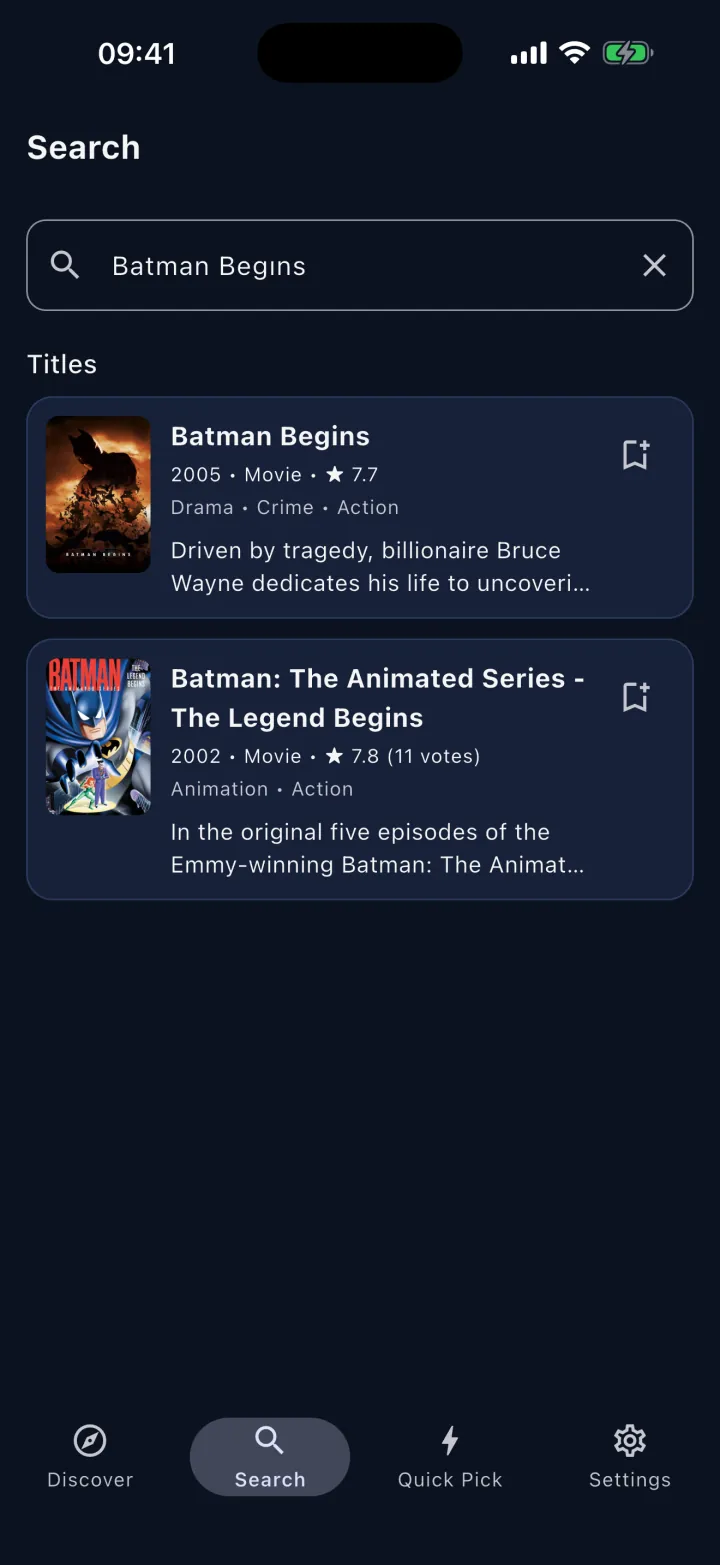
Search titles, actors or directors, and see where to watch on the details page.